Homa Console
The Homa Console is a all-in-one debug tool that allows you to :
- debug your game
- create tools for the QA team
- create tools for the Creative team
- custom tools using the IHomaConsoleModule interface
Open with a triple tap in the corner of your choice.
Warning
To completely strip Homa Console and Homa Console modules from builds, remove the ENABLE_HOMA_CONSOLE preprocessor symbol.
This is your responsibility to make sure production builds do not include development tools.
Settings
Find settings for the Homa Console in Project Settings/Homa Console :
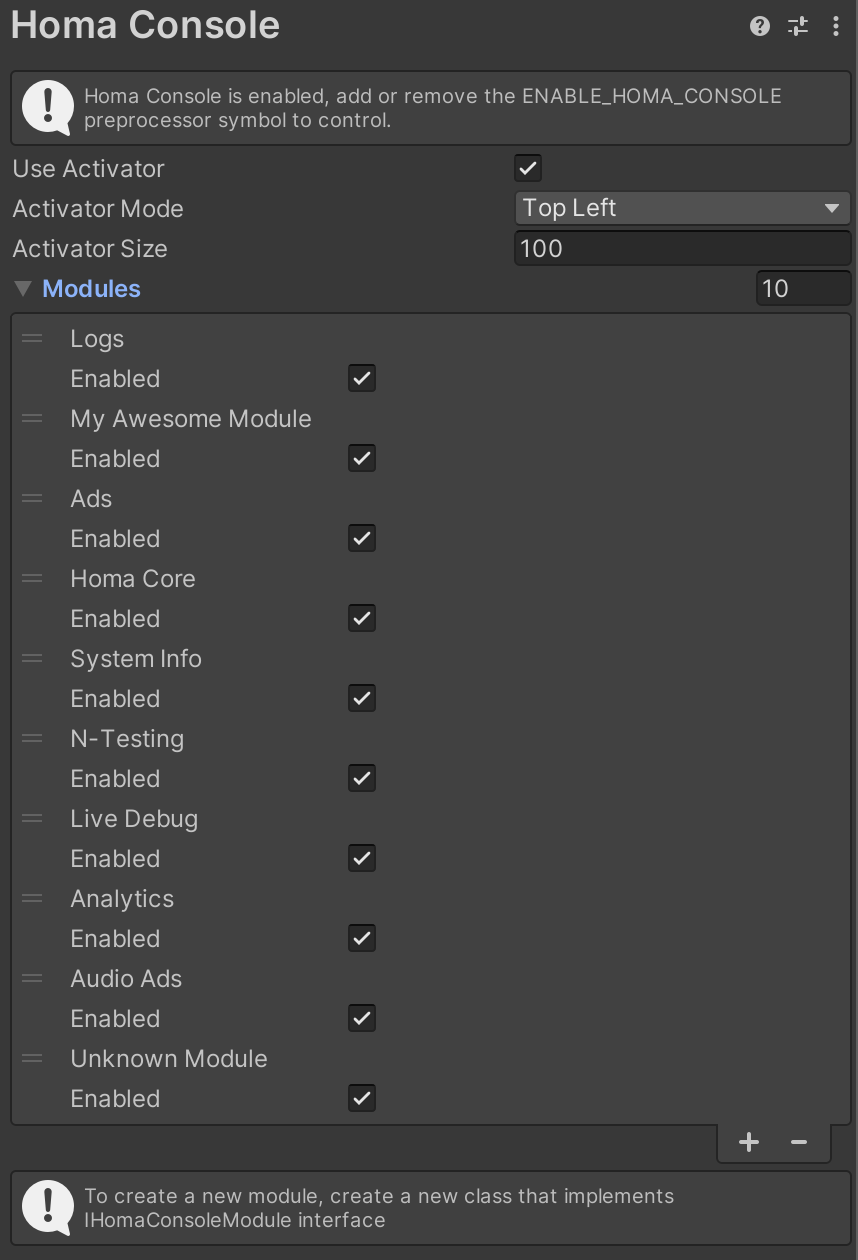
Enabling/disabling modules doesn't strip them from builds.
Some modules support being pinned in-game, you can pin and unpin using the lock icon :

When locked, the module will stay active even if you close the console, this will help you have a better look at your game while debugging.