Working with Homa SDK assemblies
Overview
To be able to use Homa SDK code from your assembly, your assembly must reference the Homa SDK assembly the code you want to use is defined in. To do that, you will need to identify from which assembly the specific class you want to use comes from.
With Rider
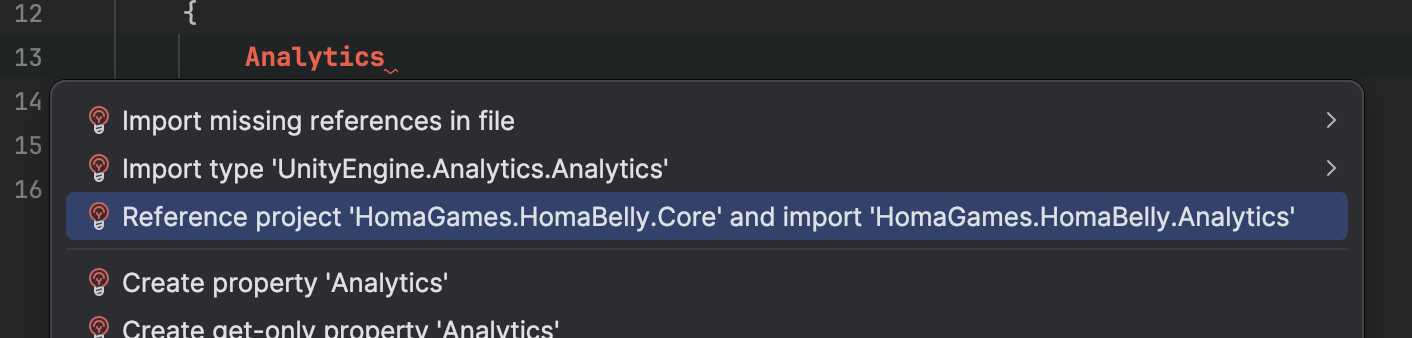
If you are using JetBrains Rider, you can try writing the exact name of the class you want to use, and open the quick actions menu using Alt+Enter. It will suggest you which assembly you should reference to access the class.
Using the API documentation
Using the API documentation, you can look for types defined in the SDK, and see what assembly they are defined in.
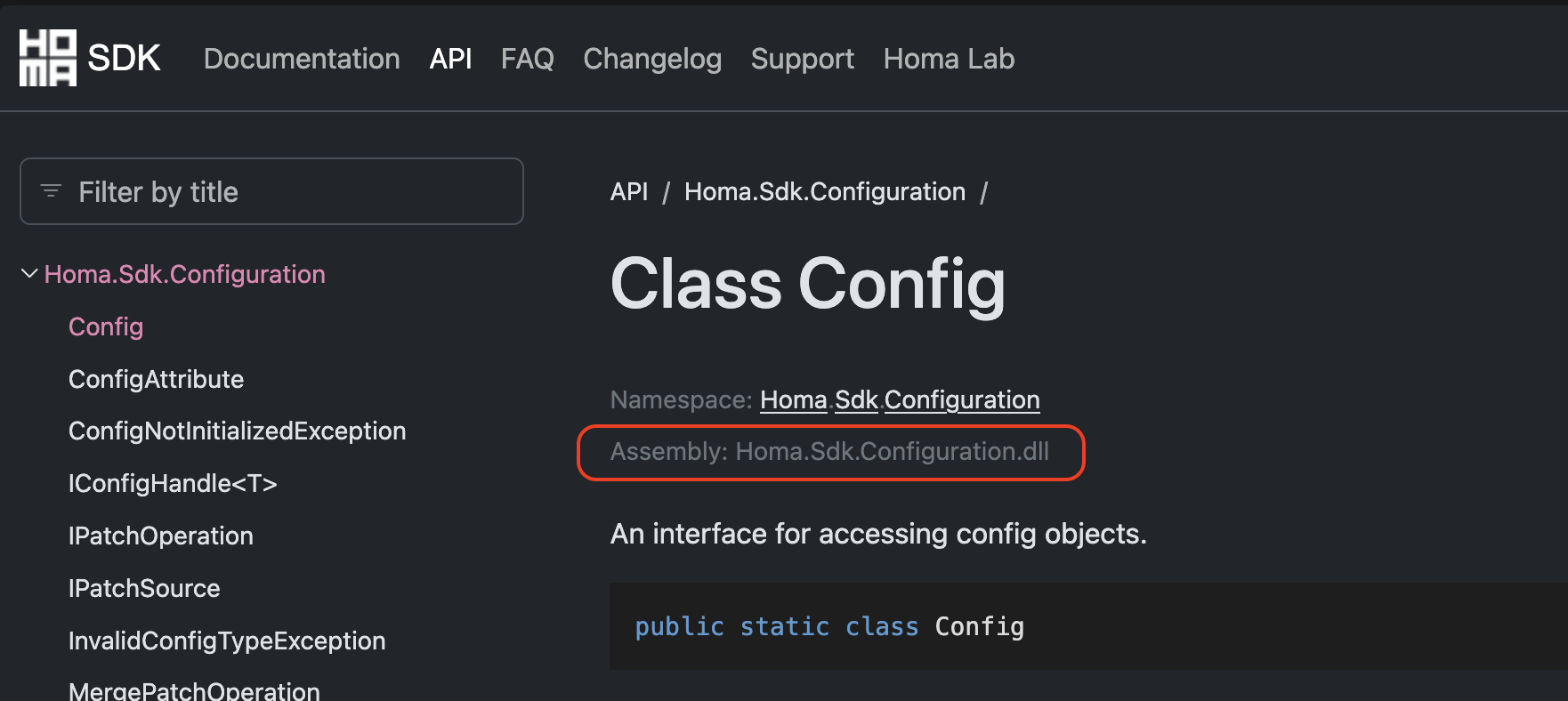
However, not all the SDK types are referenced in the API documentation yet.
By searching the file
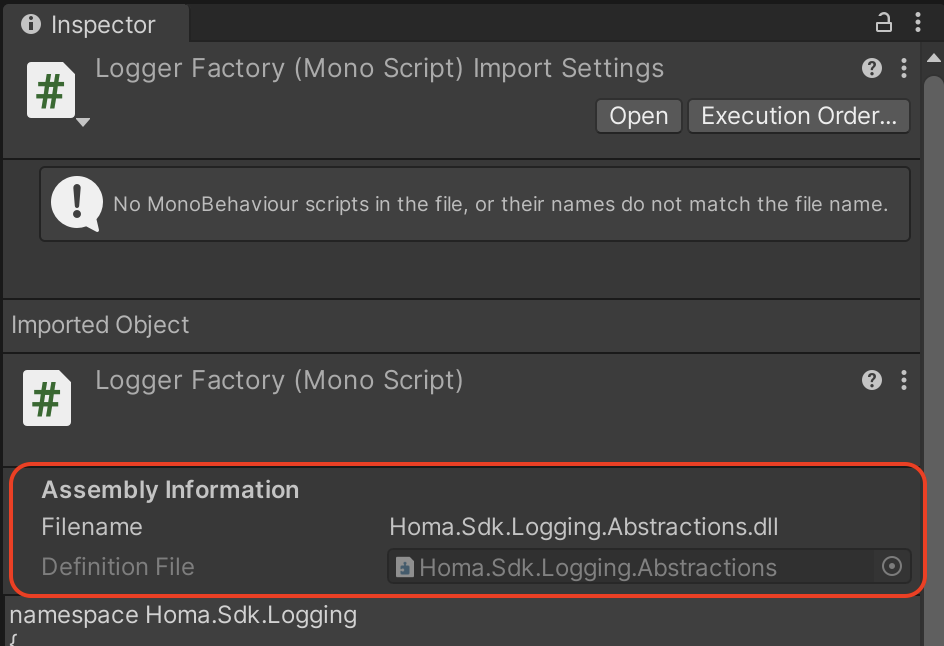
You can look for the file defining the class, and find the associated assembly using the script's inspector. In the Homa SDK, classes are defined in .cs files with names matching the class they define. So finding the definition file is as easy as searching for the class name in the project window. Do not forget to select the "In Packages" tab.